
Your Menu Is Part of Your Restaurant's Search Presence
When a guest searches for a restaurant, they are often trying to answer a very practical question: can I eat there, and will I like what is on the menu?
They may be looking for a seafood restaurant near them, a gluten-free brunch, a place with a children's menu, or a bar that serves food late. Your menu is the clearest source of answers to those questions. If it is only available as a printed document or a hard-to-read PDF, search engines and guests have less useful information to work with.
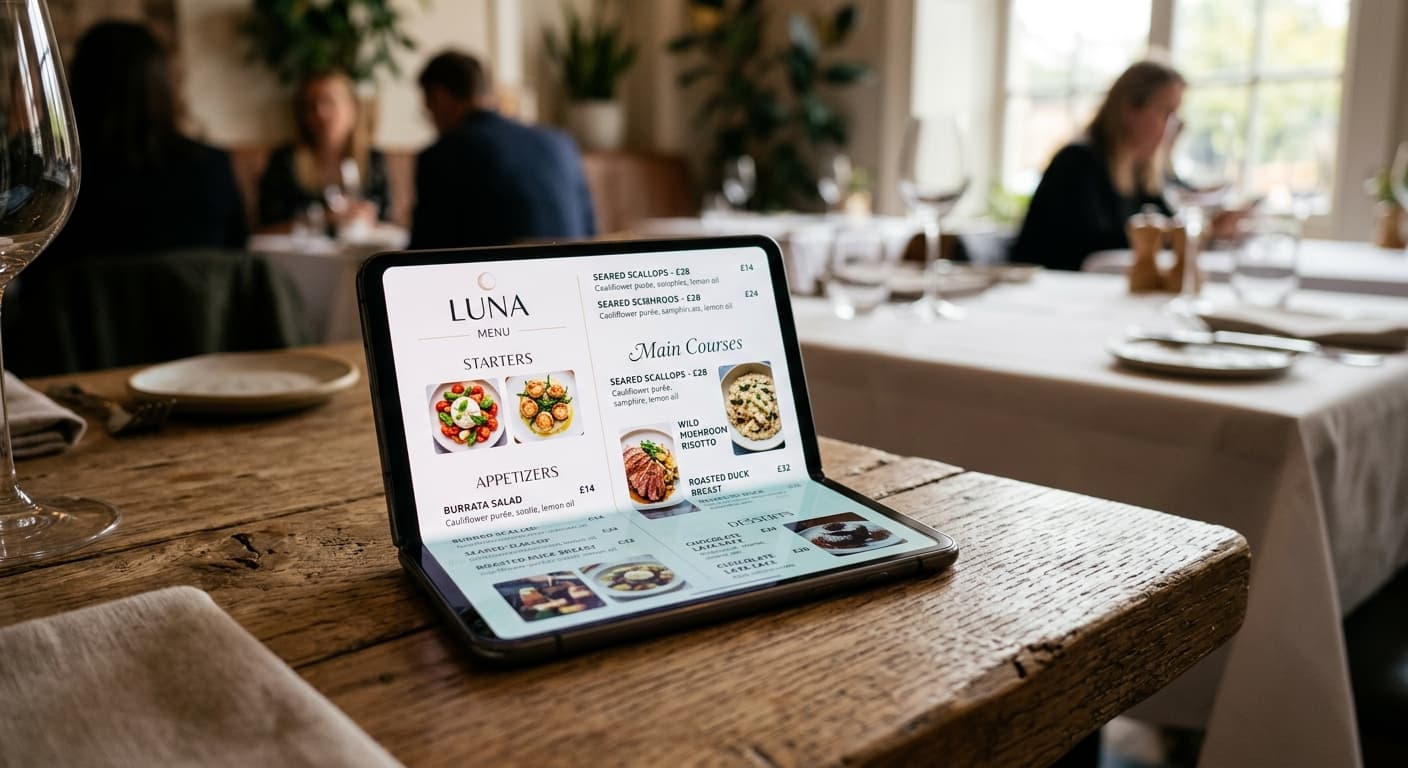
That is where a web-native digital menu helps. It gives your restaurant a live page with readable text, clear categories, dish descriptions, prices, and dietary details. Those details still need to be useful to people first. But when they are presented in a crawlable, mobile-friendly page, they can also help search engines understand what your restaurant actually serves.
This is not a promise that adding a QR code will send a restaurant to the top of Google. Search visibility depends on relevance, competition, location, reputation, and many other factors. The practical benefit is simpler: a good digital menu makes the information about your offer available in a format that both guests and search engines can use.
If you want the broader operational picture first, Digital Menu for Restaurants: How It Works, Benefits, and Why to Adopt It explains how live menus work and where they fit into service. This article focuses on the SEO side of that decision.
1. Web-native menu text is easier to understand than a print layout
Search engines can index PDFs. The problem is not that a PDF is automatically invisible. The problem is that a PDF is usually designed as a fixed page for printing, while a web page can present the same information as structured content that is easier to scan, link to, and update.
On a web-native menu, a search engine can encounter elements such as:
- a restaurant name and description,
- categories such as starters, mains, drinks, and desserts,
- the names of signature dishes,
- ingredient and preparation descriptions,
- dietary and allergen notes,
- current prices and availability information.
That gives the page more useful context than a file title like menu-summer-final-3.pdf. It also gives guests a better experience when they arrive from a search result, a website link, or a social profile.
The difference is especially noticeable on mobile. A guest who opens a web page can read and navigate it at the size of their screen. A guest who opens a print-oriented PDF often has to pinch, zoom, pan, and remember which part of the page they were looking at. Why Restaurants are Moving Away from PDF Menus (And Guests Love It) covers that problem in more detail.
2. Mobile-friendly menus match how restaurant searches happen
Restaurant discovery is often mobile discovery. A guest is walking through a neighbourhood, comparing places from a hotel room, or checking dinner options while waiting for friends. The menu needs to work in that moment, not only on the owner's laptop.
Google uses the mobile version of a site's content for indexing and ranking. Its mobile-first indexing guidance recommends responsive design and asks site owners to keep the important content, headings, metadata, and structured data available on mobile.
For a restaurant menu, that means the mobile page should not hide the information people need to decide. Check that guests can find the categories, dish names, descriptions, prices, and dietary details without opening a separate desktop layout or waiting for content to appear after a tap.
Mobile usability is also good business even when no ranking change follows. Google describes page experience as a combination of factors such as mobile display, security, Core Web Vitals, and avoiding intrusive elements. A fast, readable menu gives a potential guest less reason to leave before they understand your offer.
The most useful test is not a score in a tool. Open the menu on a real phone using mobile data. Ask someone who does not know the menu to find a main course, a vegetarian option, and the drinks list. Watch where they hesitate. Those moments are both conversion problems and clues about what your page is communicating poorly.
3. Specific dish language can match specific searches
“Restaurant in Lisbon” is broad and competitive. “Grilled octopus with potatoes in Alfama” is much closer to the decision a guest may actually be making.
Your menu cannot cover every possible search, and it should not be written as a list of keywords. It can, however, use the words guests need in order to understand the offer:
- cuisine and dish names,
- important ingredients,
- preparation styles,
- dietary options,
- service periods such as breakfast, brunch, or late-night food,
- neighbourhood or city context on the restaurant's main pages.
This is where honest descriptions are more valuable than SEO copy. If a dish is a bacalhau à brás with cod, potato, onion, and egg, say what it is. If the kitchen offers a vegan version of a dish only on request, explain that accurately. If a tasting menu is available only at dinner, make the timing clear.
Clear language helps a guest decide whether the restaurant is relevant before they arrive. It also gives search engines more information to connect with specific queries. The page is not trying to trick anyone into clicking. It is answering the question a potential guest already has.
4. Internal links help search engines find the menu and understand its role
A menu page should not be an orphaned link that exists only behind a table QR code. Link to it from the restaurant website, the main navigation where appropriate, the contact or visit page, and any page where a guest is likely to need menu information.
Use clear link text. “View the dinner menu” tells a guest and a crawler what they will find. “Click here” does not.
The same principle applies to a restaurant's supporting content. A page about a seasonal dish can link to the live menu. A page about a private dining experience can link to the relevant food and drinks information. A blog post can explain a guest question and then point to the menu as the current source of truth.
Google's link best practices explain that links help it discover pages and understand relevance. Internal links also make the site easier for guests to navigate. The goal is not to add links everywhere. It is to connect the pages that help someone move from discovery to a useful next step.
For Menuit's content cluster, this article links back to the digital menu pillar, the digital menu versus printed menu comparison, and the guide to updating menu prices without reprinting. Each article answers a different question, while the pillar gives the broader explanation.
5. A stable, current menu is more useful than a one-time SEO project
Search visibility does not compensate for an inaccurate menu. A guest who finds yesterday's prices or a dish that ended last season has learned something negative about the restaurant.
Keep one public menu URL and update the content behind it. That gives your website, Google Business Profile, social profiles, delivery inserts, and QR cards a single destination. When the kitchen runs out of an item, hide it or mark it unavailable. When a special ends, retire it. When prices change, update the public page before the next service relies on it.
This is one of the operational differences between a live digital menu and a PDF workflow. A PDF can be replaced, but the process usually involves editing the source document, exporting a new file, uploading it, and checking all of the places where the old link appears. A live menu keeps the URL stable while the content changes behind it.
If your menu is included in the site's sitemap, keep that sitemap current as well. A sitemap can help Google discover and crawl important URLs, but Google is clear that a sitemap does not guarantee indexing or improve rankings by itself. It is one part of making the page findable.
6. Local SEO still needs accurate restaurant information
A menu is only one piece of local search. Guests also need the restaurant name, address, opening hours, phone number, cuisine, and a clear path to visit or contact the business.
Keep those details consistent across the website and the profiles where guests find the restaurant. If the website uses structured data, Google's LocalBusiness documentation recommends using the most specific business type available, such as Restaurant, and providing accurate information. Structured data can help Google understand a page and may make it eligible for richer search features, but Google does not guarantee that those features will appear.
This is also where product boundaries matter. A digital menu can make the food offer easier to understand. It does not replace a Google Business Profile, local reviews, a well-maintained website, or accurate location details. It strengthens the part of the journey that answers, “What can I order here?”
A practical restaurant SEO checklist for your digital menu
Before publishing or revising the menu, check the following:
- Give the page a useful title and a specific description, rather than a generic label such as “Menu.” Google's snippet guidance explains that it may use the meta description when it is a better summary of the page.
- Make the important menu content available as readable HTML text, not only inside an image or a print-oriented file.
- Use clear headings for categories and descriptive names for dishes.
- Add specific, truthful descriptions for unfamiliar, signature, premium, and dietary-sensitive items.
- Make the page easy to use on a phone, including readable type, fast loading, and controls that are comfortable to tap.
- Link to the menu from relevant pages using descriptive anchor text.
- Keep the public URL stable and remove sold-out or expired items promptly.
- Check prices, allergens, ingredients, hours, address, and language versions before each important service period.
- Test the page from a real table, from outside the restaurant, and on mobile data.
- Submit or maintain the site's sitemap, then use Search Console to see whether Google can access the page.
This checklist is intentionally ordinary. Restaurant SEO is usually built from many small pieces of accurate, useful information. A digital menu makes those pieces easier to maintain, but it does not remove the need for good content and good operations.
Common questions about digital menus and SEO
Will a digital menu guarantee better rankings?
No. A web-native menu can make your content easier to crawl and more useful to guests, but rankings depend on the query, the location, the competition, the quality of the whole site, and other signals. Treat the digital menu as a strong foundation, not a shortcut.
Can a PDF menu still appear in Google?
Yes. Google can index PDFs. The practical issue is that a print-oriented PDF is often harder to read on a phone, harder to link to section by section, and more awkward to keep current. A web-native menu gives you a better page for both discovery and the visit that follows.
Should every dish have its own page?
Not necessarily. A clear menu page with useful categories and descriptions is often enough. Create separate pages only when they serve a real guest need, such as a dedicated catering menu, tasting menu, or private dining offer. Avoid creating thin pages that repeat the same information in slightly different words.
Does the QR code itself improve SEO?
No. The QR code is a convenient access point, not a ranking signal. Its value is that it can send guests to the same live URL used on the website, profiles, and printed materials. The page behind the code still needs to be fast, readable, current, and useful.
How long does SEO take after publishing a menu?
There is no reliable universal timeline. Google needs to discover and crawl the page, and search performance depends on the query and the strength of competing results. Publish the page, link to it from relevant places, keep it current, and use Search Console to check what Google can see.
Make the menu easier to find and easier to use
Restaurant SEO does not have to begin with a complicated content plan. Start with the page guests already need: the menu.
Turn the printed file into a live page. Write dish names and descriptions the way a guest would search for and understand them. Make the mobile layout comfortable. Link to the page from the rest of the site. Keep prices, availability, and location information accurate.
Menuit helps restaurants upload an existing PDF, Word document, Excel file, or image, review the extracted menu, and publish a mobile-friendly QR menu. It is a practical way to create a current public menu without starting the content from scratch. If you are ready to make that shift, create your first digital menu with Menuit.