
A catering order is a service plan, not just a bigger table booking
A local office wants lunch for 30 people on Thursday. The organizer needs vegetarian choices, asks whether dessert is included, and wants to send the final headcount the day before. If the kitchen simply copies the dine-in menu, the team may end up with individual substitutions, unclear portions, and a delivery time nobody confirmed.
A useful restaurant catering menu sets expectations before the order reaches the pass: what is included, how many people it serves, when choices are due, and what the kitchen can deliver at that scale. For the broader role of a live menu in restaurant operations, start with Digital Menu for Restaurants: How It Works, Benefits, and Why to Adopt It. This guide focuses on the event menu and the handoff behind it.
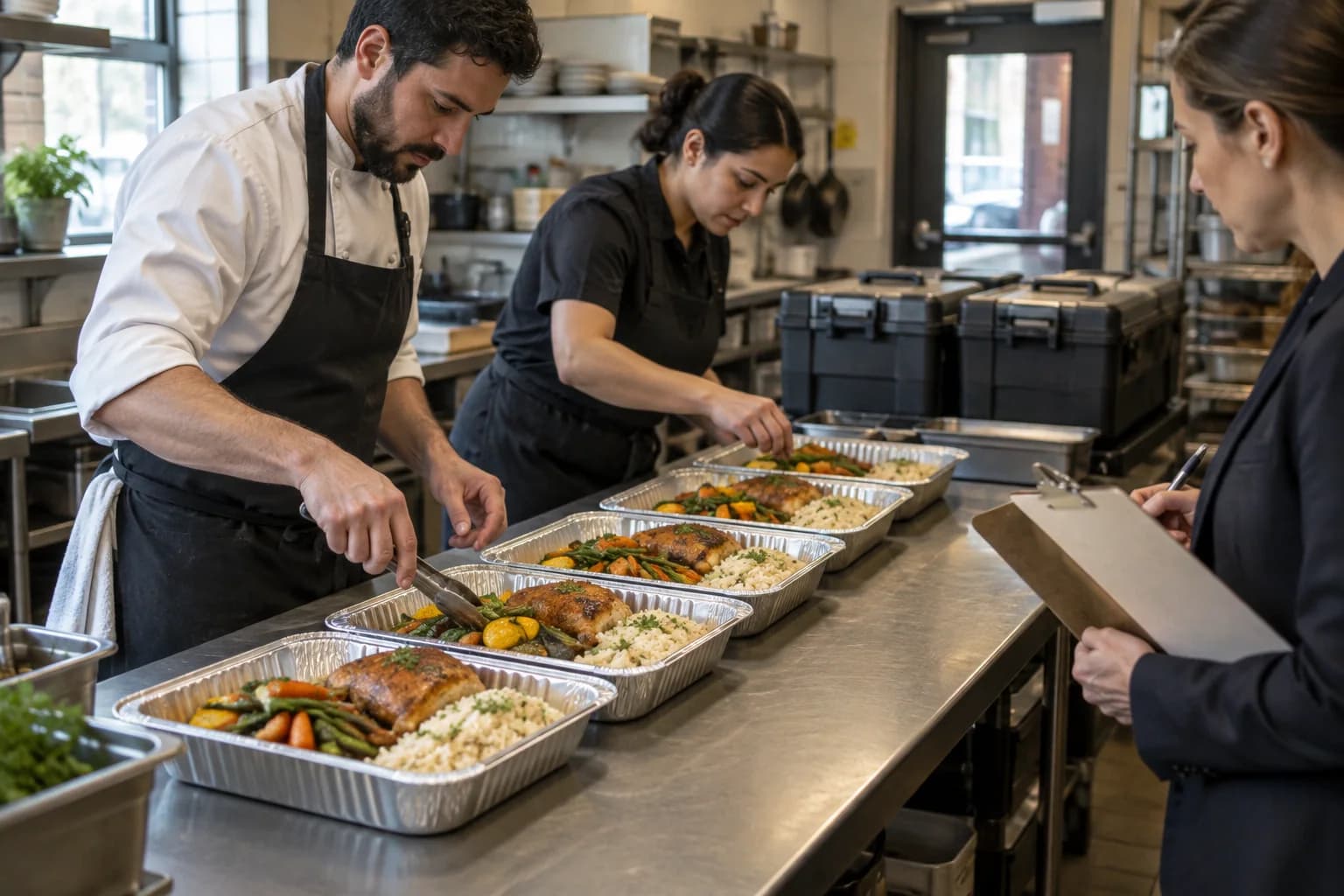
1. Define the event format before choosing dishes
“Catering” can mean a drop-off lunch, a pickup order of family-style trays, or a staffed buffet at a private event. Those formats create different work for the kitchen and different expectations for the customer.
Before you build the menu or quote a price, confirm:
- the event date, service time, address, and access details;
- the expected guest count and when the final count is due;
- whether the order is delivered, collected, or served by your staff;
- what the quote includes, such as setup, serving utensils, plates, or cleanup;
- how long the food needs to travel or wait before service; and
- the deadline for changes, payment terms, and any minimum order.
For example, a tray of baked pasta for a staffed buffet is not the same offer as 30 individually boxed lunches. One needs a plan for serving and replenishment; the other needs reliable portions, packaging, labels, and a clear pickup or delivery window. Write down the format first so a guest can compare like with like.
2. Choose dishes your team can produce consistently
Start with dishes the kitchen already knows how to prepare, then check whether they suit the event format. A dish that works straight from the pass may lose texture in transit, need last-minute assembly, or take too much space when multiplied across 30 portions.
Build a small set of choices the kitchen can execute at the booked volume. A package might include a main, a side, and a dessert, with one or two controlled alternatives where the team has capacity. Keep the portions and included items clear. If a salad includes bread, or a roast comes with a sauce, say so rather than leaving the organizer to ask after the quote.
Check the whole production path: ingredient availability, batch yield, oven and refrigerator space, packing time, transport, and the time needed to finish or serve the food. Record any item that must be served promptly or assembled at the venue. A short menu that arrives in good condition is more useful than a long list of dishes the kitchen cannot deliver reliably.
The takeout and delivery menu guide covers choosing dishes for off-premise service. Catering adds a booked headcount, a fixed service window, and often a larger batch, so test the actual event format instead of assuming a dish travels well because it sells well for takeaway.
3. Price the complete event order
Use the current recipe and standard portions to calculate food cost, including the sides, sauces, garnish, and dessert in the package. Then account for the work and materials that differ from dine-in service: containers, labels, delivery, setup, serving staff, equipment, or a venue fee.
Keep the assumptions visible. A quote can list a per-person package, the minimum guest count, optional upgrades, and any delivery or setup charge. If the price depends on a final headcount, state the date when that count becomes binding. Do not hide required fees in a vague “from” price or promise a substitution before the kitchen has checked its cost and availability.
The restaurant food-cost guide explains how to cost a repeatable recipe and portion. For the wider decision about price, guest value, and channel expenses, see How to Set Restaurant Menu Prices. A food-cost percentage is one reference point, not the profit on the event; include the other costs your operation needs to cover.
4. Collect dietary and allergen requests through one reliable process
Ask the organizer how dietary requests will be collected and when the final list is due. Record each confirmed request against the relevant dish and portion, then give the kitchen a named person to check ingredients, supplier information, recipes, and preparation steps. Do not rely on a guest-facing label or an old spreadsheet when a recipe has changed.
The Food Standards Agency’s allergen guidance for food businesses applies to England, Northern Ireland, and Wales. It says catering businesses need to provide allergen information; for a buffet, the information should be available for each dish rather than for the buffet as a whole. The guidance recommends written information supported by a conversation. Requirements vary by location, so check the rules that apply to your business and never promise an allergen-free meal unless your kitchen can support that claim.
For a buffet, keep the dish name and its verified information together at the serving point, with a clear way for guests to ask staff. For boxed meals, make sure the correct meal reaches the right person and that any written information stays with the order. How to Add Allergen Information to a Restaurant Menu has a fuller recipe-to-menu review routine.
5. Send an event menu the organizer can confirm
Before taking the order, give the organizer one clear version showing:
- package or dish names and what each includes;
- portion size or the number of guests each tray serves;
- the price, minimum order, and any additional charges;
- vegetarian or other options the kitchen has confirmed;
- how dietary and allergen questions will be handled;
- the final headcount and change deadlines; and
- delivery, collection, setup, and service times.
Use plain descriptions that help a guest understand the food without turning the menu into a recipe sheet. The guide to writing restaurant menu descriptions covers how to explain unfamiliar dishes, portions, and included sides.
Keep the event menu distinct from the regular dine-in offer if the choices, prices, or availability differ. If you share a digital menu link or QR code, label it with the event or date and check that it opens the approved version. Keep the confirmed quote or order record as well: a public page can be updated, but the team still needs a record of what this event purchased.
6. Give the kitchen one current event order sheet
The organizer, manager, and kitchen should not be working from three different email threads. Once the order is confirmed, keep one dated record with the final information and identify who can approve a change.
- Event, date, venue, and service time:
- Final guest count and confirmation date:
- Menu version and package selections:
- Portion counts and special meals:
- Verified dietary and allergen information:
- Packing, delivery, setup, and equipment:
- Change deadline and approved changes:
- Customer contact and event-day lead:
- Kitchen lead and person approving substitutions:
If the organizer changes the count after the deadline, record the revised quantity, price, and approval before updating the prep plan. When a dish or detail changes, update the event record and any link sent to the organizer, then brief the staff who will pack or serve it. The restaurant menu accuracy guide shows how to keep public information and staff handoffs aligned.
7. Review the order after the event
After service, compare the final count with portions prepared and served. Note what came back, what ran short, which substitutions were needed, whether delivery or setup took longer than planned, and what guests or staff asked repeatedly.
Use that record to adjust the next comparable event—not to rewrite the whole menu after one unusual booking. If a package consistently needs last-minute changes, simplify the choices or revise its cutoff. If portions were left over, check whether the confirmed count, serving plan, or portion size explains it before changing the recipe.
A restaurant catering menu checklist
Before confirming the next order, check that:
- The event format, guest count, time, and service responsibilities are clear.
- Every dish can be prepared and delivered at the booked volume.
- Portions, included sides, packaging, and full event costs are accounted for.
- Dietary and allergen information has a named reviewer and a reliable source.
- Prices, minimums, service fees, deadlines, and substitutions are stated plainly.
- The organizer has confirmed one dated menu version.
- The kitchen and event staff have the same order sheet and change owner.
- Someone will review the result after service.
Build an event menu the team can stand behind
A good restaurant catering menu makes the offer easy to choose and the work easy to prepare. Start with the event format, cost the portions you will actually serve, set a firm handoff for dietary details and changes, and keep the organizer and kitchen on the same approved version.
Menuit helps restaurants publish a live menu guests can open from a link or QR code. For a one-off event, pair that access with a dated order confirmation so the menu guests browse and the order the kitchen prepares stay clear.